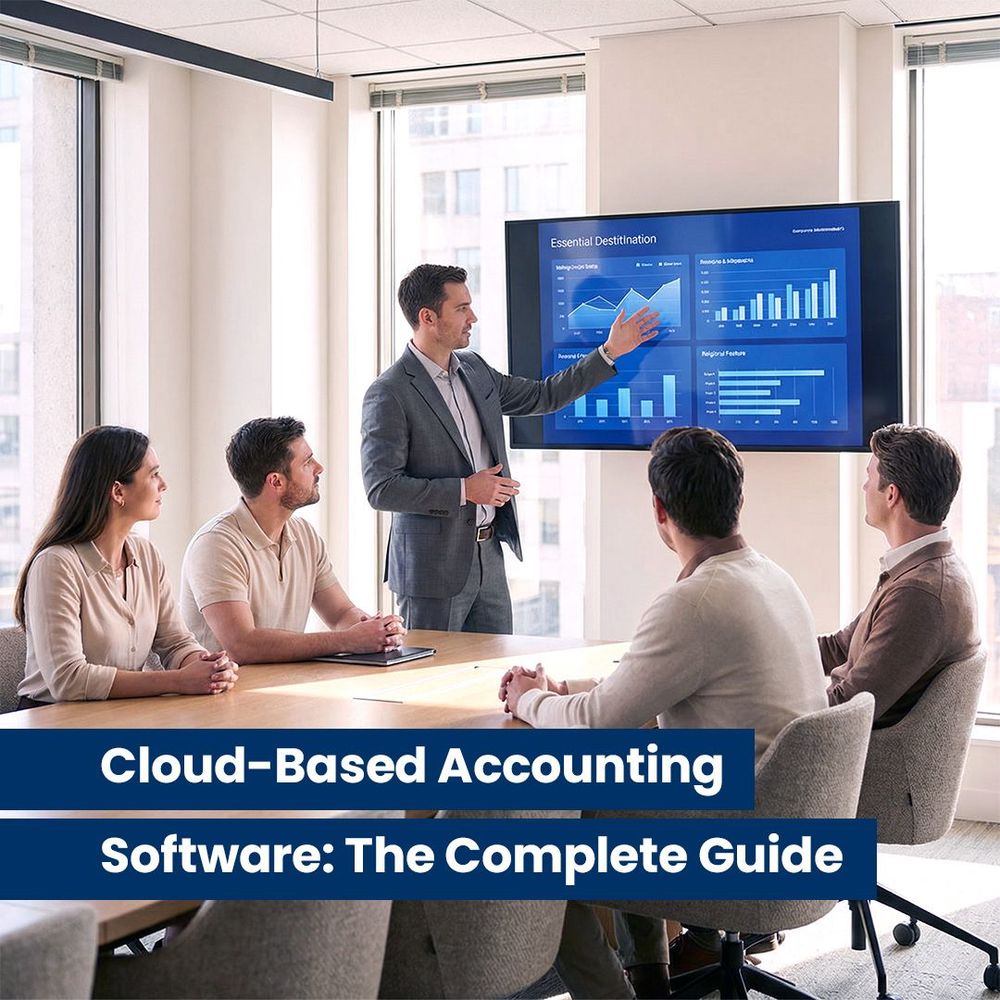
Cloud-Based Accounting Software: The Complete Guide
Modern businesses don’t run from a single desk anymore—and accounting shouldn’t either. Cloud-based accounting software has become one of the most important tools for managing day-to-day finances in today’s digital economy.
Instead of storing financial data on one computer or local server, cloud accounting allows businesses to manage their entire financial system online. With a secure internet connection, owners, bookkeepers, and accountants can access up-to-date financial information from anywhere, often through an affordable monthly subscription.
The result is better organization, fewer errors, faster workflows, and real-time visibility into how a business is performing. As more companies move online, cloud-based accounting software has become a practical and trusted solution for businesses of all sizes.
This guide explains what cloud accounting is, how it works, and how to choose and implement the right system for your business.
What Is Cloud-Based Accounting Software?
Cloud-based accounting software is an online system that stores your financial data on secure servers instead of on a single device. You access your books through a browser or app, rather than installing software on one computer.
This approach removes many traditional headaches—manual backups, software updates, and version conflicts. Your records stay current automatically, and you can log in anytime, from any device, as long as you have internet access.
For businesses that value flexibility and collaboration, cloud accounting changes how financial management works on a practical level.
Key Features of Cloud Accounting Tools
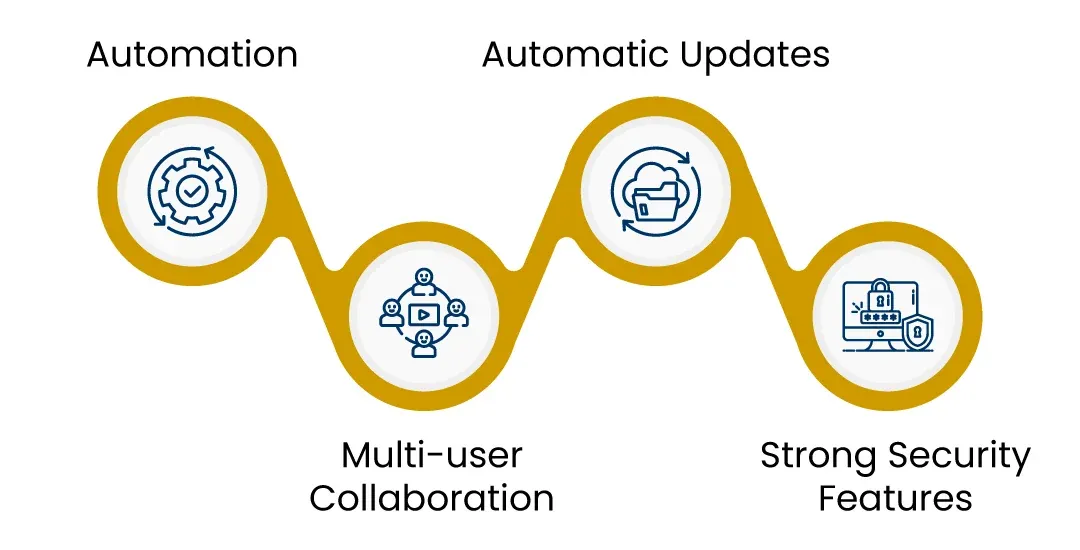
Most cloud-based accounting platforms share a set of core features designed to simplify financial management:
Real-time financial data
Transactions update instantly, so reports reflect what’s happening now—not last month.
Automation
Bank feeds, recurring invoices, expense categorization, and payment matching reduce manual entry.
Multi-user access
Business owners, staff, and accountants can work in the same system without overwriting each other’s work.
Automatic updates
Software improvements and compliance updates happen in the background—no installations required.
Strong security and backups
Data is protected through encryption, secure servers, and regular automated backups.
These features allow businesses to spend less time maintaining systems and more time understanding their numbers.
Benefits of Cloud-Based Accounting for Businesses
Cloud accounting has largely replaced traditional desktop software for one simple reason: it fits how businesses actually operate today.
Cloud-Based Accounting for Small Businesses
Small businesses often operate with limited time, staff, and budgets. Cloud-based accounting software helps level the playing field.
Automated workflows reduce administrative work. Clean dashboards make cash flow, expenses, and profitability easier to understand at a glance. Business owners don’t need advanced accounting knowledge to see where their money is going.
For startups and growing companies, cloud accounting offers a cost-effective way to stay organized without sacrificing accuracy or insight.
Cloud-Based Accounting for Accountants and Firms
Cloud accounting also changes how accounting firms operate.
With centralized client data, accountants can collaborate more easily, standardize workflows, and respond faster to client needs. Practice efficiency improves because teams spend less time chasing files and more time providing advisory support.
Cloud platforms also integrate well with practice management tools, making it easier to track tasks, deadlines, and client communications in one system.
How to Choose the Right Cloud-Based Accounting Software
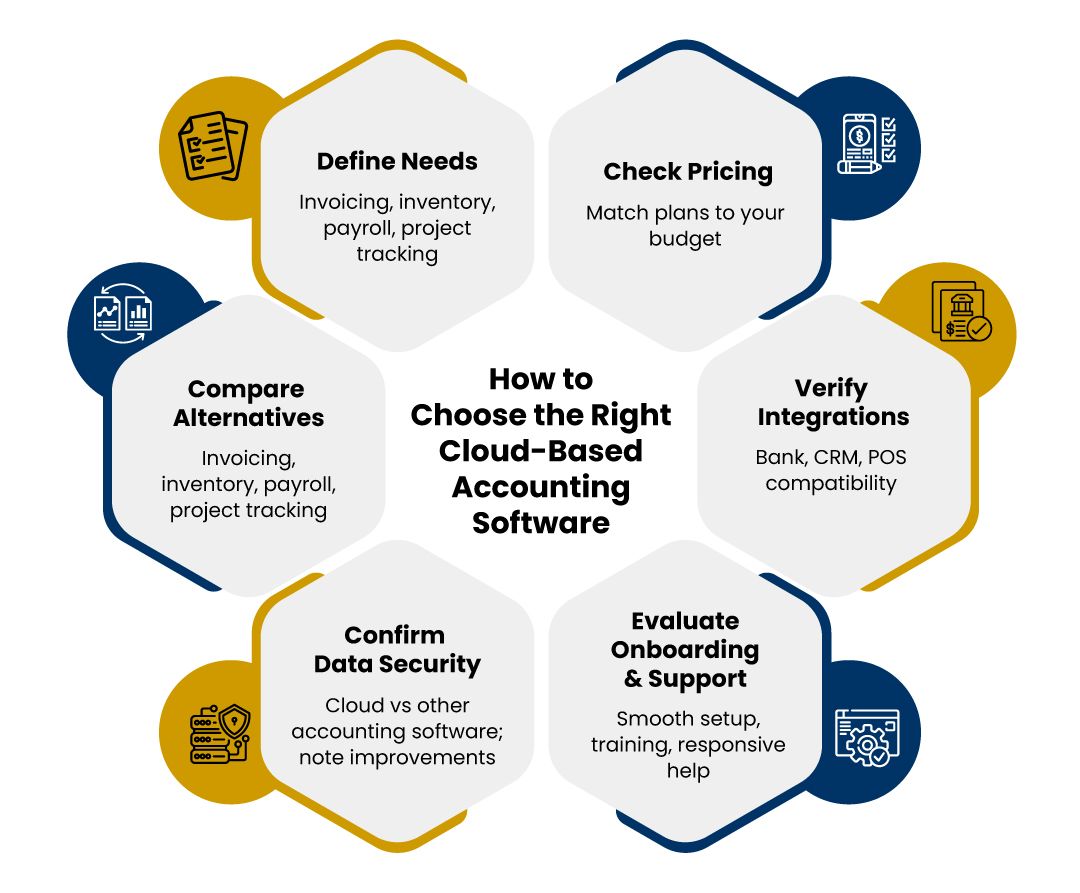
Not all cloud accounting tools are the same. Choosing the right one depends on your business needs and how you plan to use the system.
Start by considering:
- Core features you need, such as invoicing, inventory, payroll, or project tracking
- Pricing structure and whether it fits your current and future budget
- Integrations with banks, payment platforms, CRM systems, or POS tools
- Ease of use and onboarding support
- Customer support quality
- Data security standards
It’s also helpful to compare cloud-based accounting systems with traditional desktop software. For most businesses, the ability to access real-time data and collaborate remotely makes cloud solutions far more practical.
Practice Management with Cloud Accounting
In professional services and accounting firms, cloud accounting often works alongside practice management software.
This setup allows teams to:
- Assign and track tasks
- Store and reference documents centrally
- Set reminders for deadlines and filings
- Maintain consistent workflows across clients
By combining financial data with task management, firms gain better control over daily operations and long-term planning.
Implementing Cloud Accounting
Moving to cloud accounting is usually straightforward with proper preparation.
First, review and clean your existing financial records. Fix errors, reconcile balances, and ensure opening numbers are accurate. Clean data leads to smoother migration.
Next, migrate your information—bank feeds, customer lists, invoices, and historical transactions—into the new system. Many platforms offer guided import tools to simplify this step.
Finally, onboard your team. Training sessions, user permissions, and hands-on practice help ensure everyone uses the system correctly. A well-managed transition reduces resistance and speeds up adoption.
Conclusion
Cloud-based accounting software continues to reshape how businesses manage their finances. It offers flexibility, automation, and stronger control over financial data—without the limitations of traditional systems.
As technology evolves, cloud accounting platforms will only become more powerful and easier to use. Whether you’re a business owner, bookkeeper, or accounting firm, adopting cloud accounting helps you stay efficient, informed, and prepared for growth.
That’s why many businesses across Canada and beyond rely on cloud-based accounting software to support smarter financial decision-making.
Frequently Asked Questions
How is cloud-based accounting different from traditional accounting software?
Cloud accounting operates online with real-time updates, while traditional software is installed on one device and often requires manual updates and backups.
Is cloud-based accounting software secure?
Yes. Most platforms use encryption, secure servers, and automated backups to protect financial data from loss or unauthorized access.
What are the top cloud-based accounting solutions for small businesses?
Many online accounting tools are designed for small businesses, offering invoicing, bank integration, reporting, and automation for daily financial tasks.
Do accountants need special versions of cloud accounting software?
Some platforms offer accountant or partner dashboards that help firms manage multiple clients, collaborate, and automate workflows more efficiently.
Can cloud accounting software be used outside Canada?
Yes. Most cloud accounting tools allow access from anywhere with a reliable internet connection, making them suitable for remote and cross-border work.